“In Web3, your wallet is your identity. Protect it like your passport.”
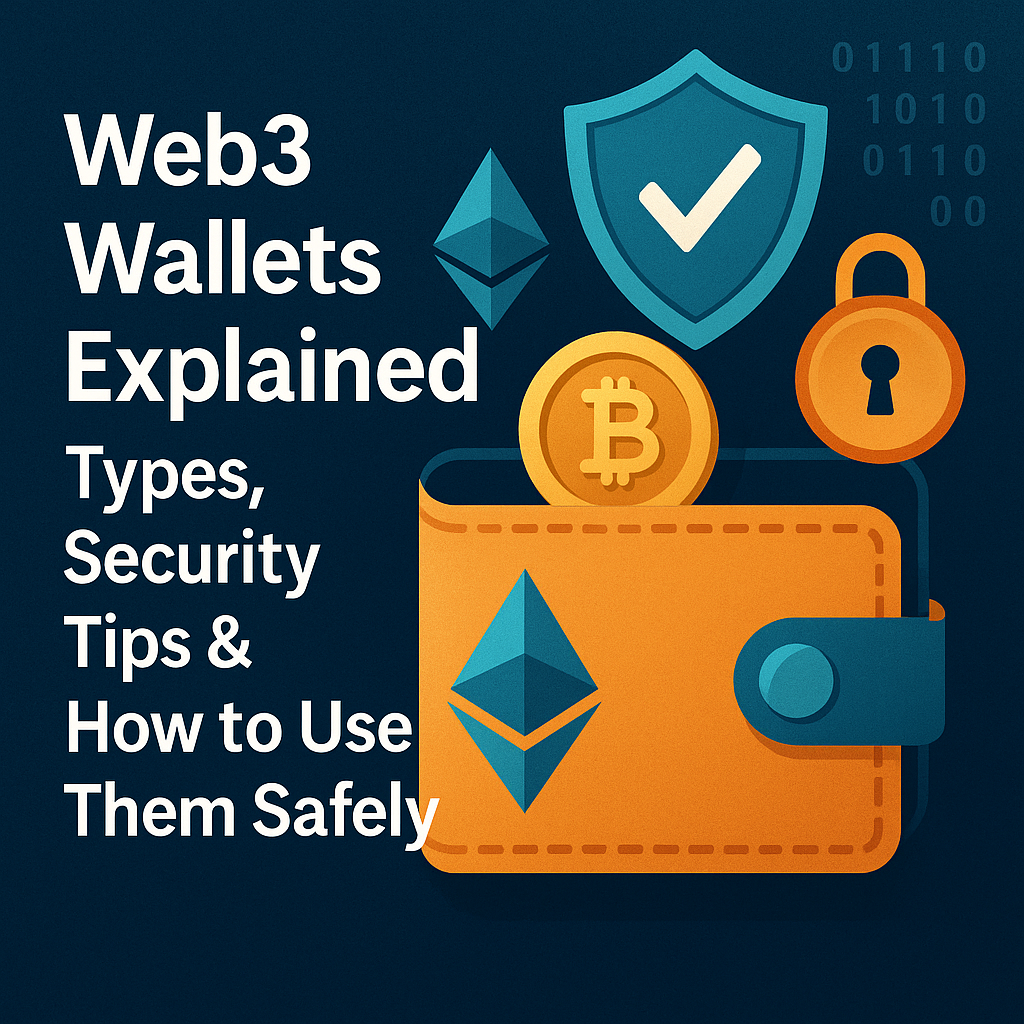
A Web3 wallet is your gateway to the decentralized internet. Whether you’re exploring NFTs, DeFi, or crypto games, your Web3 journey starts with a wallet.
In this guide, you’ll learn what a Web3 wallet is, the different types, how they work, how to protect your assets, and which one is best for your needs.
📘 Table of Contents
- What Is a Web3 Wallet?
- Key Features of Web3 Wallets
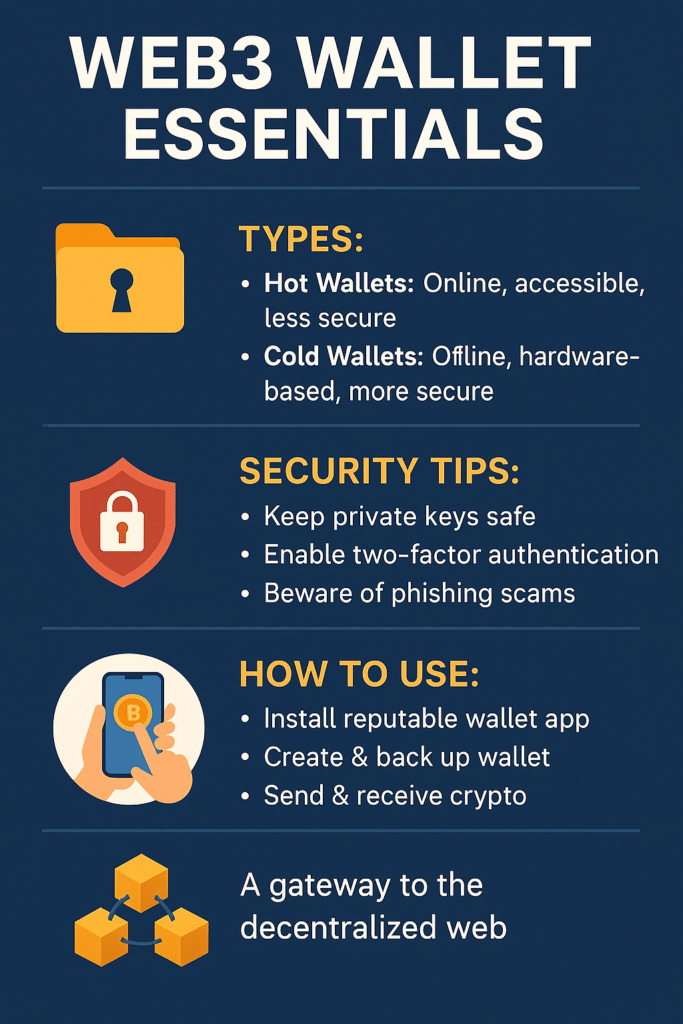
- Types of Wallets: Hot vs Cold
- Top Web3 Wallets You Should Know
- How to Set Up a Wallet (Step-by-Step)
- How Wallets Interact with dApps
- Common Mistakes to Avoid
- Case Study: Real Wallet Hack Scenarios
- Bonus Tips for Wallet Safety
- Wallet Comparison Table
- FAQs
- Our Thoughts on Web3 Wallet Evolution
- Final Thoughts + Resources
1. 🧠 What Is a Web3 Wallet?
A Web3 wallet is a digital tool that allows users to:
- Store, send, and receive cryptocurrencies and NFTs
- Interact with decentralized apps (dApps) like Uniswap or OpenSea
- Verify identity without usernames or passwords
Think of it as your crypto ID + bank account + key — all rolled into one.
2. 🔐 Key Features of Web3 Wallets
| Feature | Purpose |
|---|---|
| 🧾 Private Key | Grants full control of funds (like a master password) |
| 🗝️ Seed Phrase | Backup for recovering the wallet |
| 🌐 dApp Access | Connect to DeFi, NFTs, DAOs, and games |
| 📊 Token Management | See balances, history, and staking rewards |
| 🔄 Non-Custodial | You own your keys — not an exchange |
3. 🔥 Types of Wallets: Hot vs Cold
| Wallet Type | Description | Pros | Cons |
|---|---|---|---|
| Hot Wallet | Connected to internet (e.g., MetaMask) | Easy to use, quick access | Less secure |
| Cold Wallet | Offline hardware device (e.g., Ledger) | Very secure | Slower, costs money |
💡 Use a hot wallet for daily use and a cold wallet for long-term storage.
4. 🏆 Top Web3 Wallets
| Wallet | Type | Best For |
|---|---|---|
| MetaMask | Hot (browser/mobile) | Beginners, DeFi, NFTs |
| Trust Wallet | Hot (mobile) | Mobile users, BNB Chain |
| Ledger Nano X | Cold (hardware) | Long-term holders |
| Trezor | Cold (hardware) | Security-focused users |
| Coinbase Wallet | Hot (mobile) | Cross-chain users, NFT fans |
| Rabby Wallet | Hot (browser) | Safe MetaMask alternative |
5. 🛠️ How to Set Up a Wallet (Example: MetaMask)
- Go to metamask.io
- Install browser extension or app
- Create wallet → set a strong password
- Write down 12-word seed phrase (offline, not on your phone)
- You’re done — now connect to dApps!
✅ Tip: Test it with a small amount of crypto before full use
6. 🔗 How Wallets Interact with dApps
When you click “Connect Wallet” on a dApp:
- The dApp checks your wallet address (public key)
- You can sign transactions (no password needed)
- dApps never access your private key — only your signature and permissions
🧠 Example: Sign a message in Uniswap to swap ETH for USDT.
7. ⚠️ Common Mistakes to Avoid
| Mistake | Consequence |
|---|---|
| ❌ Saving seed on Google Drive | Hackers can access it |
| ❌ Clicking fake dApp links | You may approve a malicious transaction |
| ❌ Reusing same seed phrase | Easy to crack multiple wallets |
| ❌ Ignoring phishing alerts | You can lose all your crypto instantly |
💬 “A Web3 wallet is secure… until you make a mistake.”
8. 📚 Case Study: How Hackers Steal Web3 Wallets
Real Incident (2022):
- A user received a fake “OpenSea verification” email
- Clicked the link, connected MetaMask, and unknowingly signed a “transfer” transaction
- Lost $24,000 in NFTs
✅ Learning: Always verify URLs, and don’t sign random transactions.
9. 💡 Bonus Tips for Wallet Safety
- ✅ Use hardware wallets for large amounts
- ✅ Disconnect wallet from unused dApps regularly (via MetaMask)
- ✅ Use a separate wallet for minting NFTs
- ✅ Activate 2FA on any connected services (like OpenSea)
- ✅ Use wallet scanning tools like Revoke.cash to manage permissions
10. 📊 Wallet Comparison Table
| Feature | MetaMask | Trust Wallet | Ledger Nano X |
|---|---|---|---|
| Type | Hot | Hot | Cold |
| NFT Support | ✅ | ✅ | ❌ (via apps) |
| Free to Use | ✅ | ✅ | ❌ ($79–149) |
| DeFi Access | ✅ | ✅ | ❌ |
| Best For | Daily Use | Mobile Use | Cold Storage |
11. ❓ FAQs
Q1: Is MetaMask safe?
Yes — if you follow good practices. It’s secure by design but vulnerable to phishing and human error.
Q2: What happens if I lose my wallet?
If you lose access and your seed phrase, the wallet is gone — forever. No recovery.
Q3: Can I have multiple Web3 wallets?
Yes. Many people use multiple for security and organization (trading, NFT minting, savings).
Q4: Can I store NFTs in a cold wallet?
Yes — most hardware wallets support NFTs via integrations (e.g., Ledger + MetaMask).
12. 🧠 Our Thoughts on Web3 Wallet Evolution
Web3 wallets are the future of digital identity, banking, and internet access.
But today, they’re still:
- Complex for beginners
- Risky for careless users
- Lacking UX that matches Web2 simplicity
We believe:
- Smart contract wallets with social recovery will become the norm (e.g., Argent, Safe)
- Multi-device syncing, human-readable addresses, and biometric security will improve adoption
- Education is critical — and your blog is part of that solution 👏
💬 “Your wallet is your passport to the decentralized world — protect it like your life depends on it.”
🔗 Resources
- MetaMask.io – Most popular Web3 wallet
- Revoke.cash – Manage wallet permissions
- Ledger.com – Hardware wallet
- WalletConnect.com – dApp connection protocol
✅ Summary
This post covered:
- What Web3 wallets are and how they work
- Which ones to use and how to set them up
- Security best practices and real-world risks
You now have a clear understanding of Web3 wallets — one of the most essential tools in the crypto space.